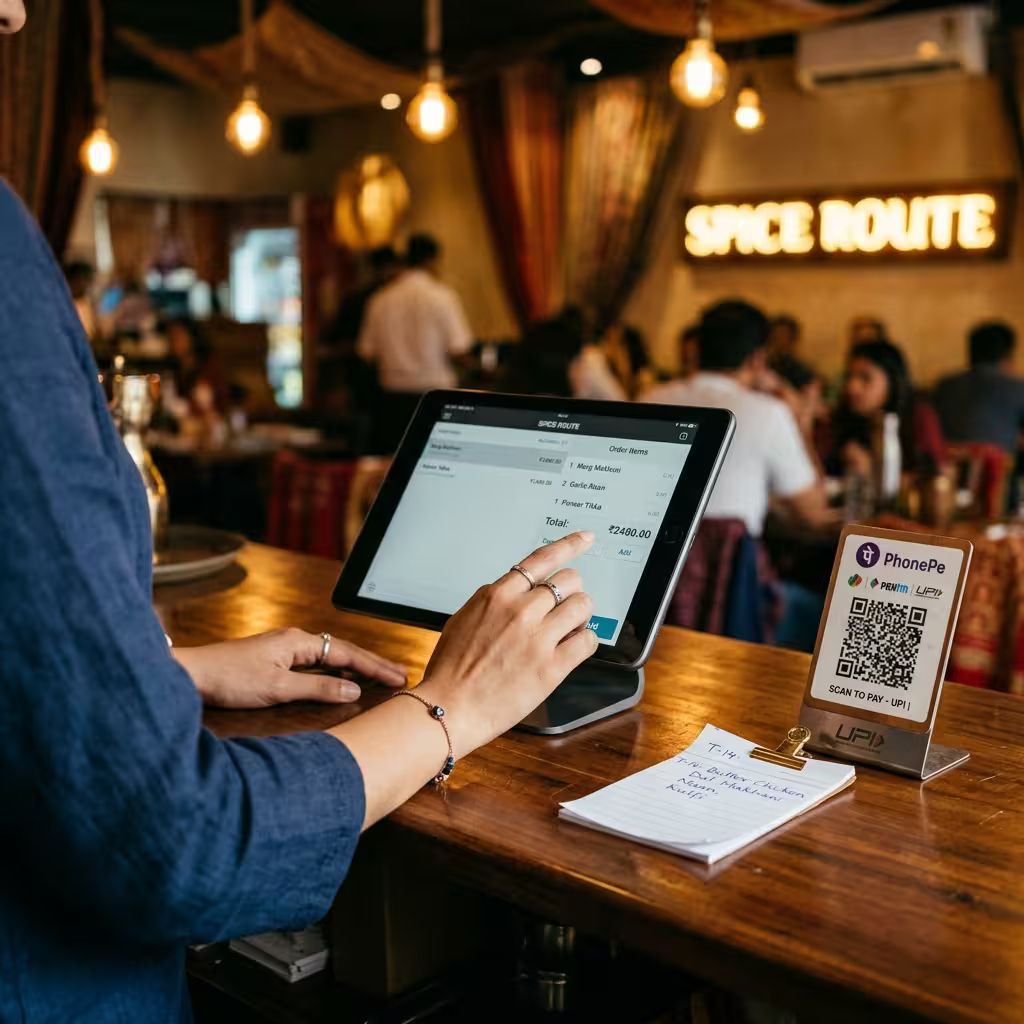
Billing software your cashier can learn and start using tonight.
Correct prices and GST on every bill, the kitchen told the moment you confirm, and every customer’s number saved for next time.
- 2-minute form
- Login in about 15 minutes
Correct prices and GST on every bill, the kitchen told the moment you confirm, and every customer’s number saved for next time.
01
Table orders with a captain. Takeaway. Delivery. Or QSR tokens with no tables at all.
02
Variants, add-on groups, special instructions, GST by item, service and packaging charges, discounts with a cap per staff role.
03
Save the customer’s phone number on the bill, and they are added to your customer list. The dashboard shows how many bills have a number.
04
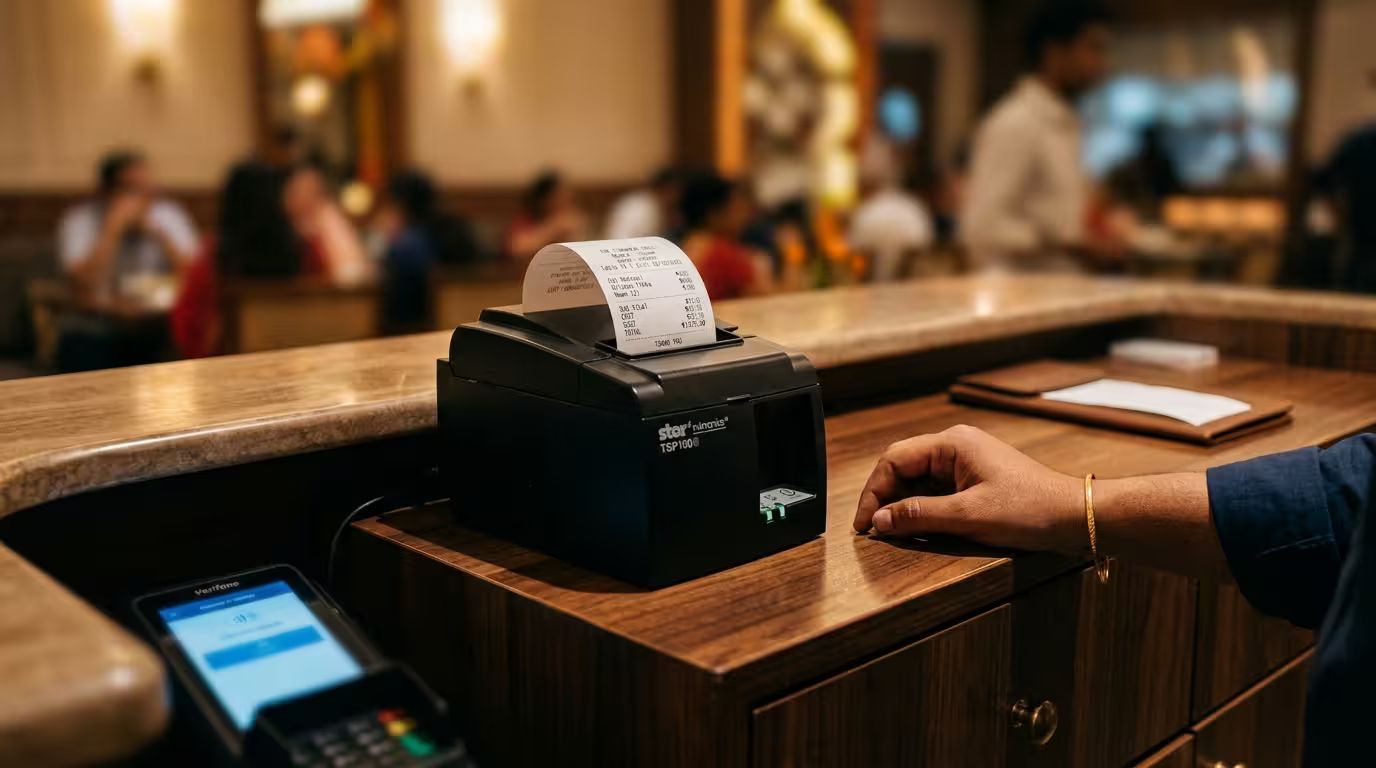
Choose print or WhatsApp as each outlet’s default. The cashier can still pick either, or both, when settling. Printed bills fit 58, 76 or 80 mm paper and carry your logo, a QR and a footer note. A WhatsApp bill is ₹0.50; printing is ₹0.
05
Open the till at the start of a shift, count the cash at the end, and see straight away if anything is short.
06
Pick the platform and type its order ID; no customer name or phone needed. The same order can’t be billed twice, and no delivery, packaging or service charge is added. The order ID prints on the KOT and the bill, and aggregator sales show as their own channel in reports.


Good to know
Cloud app in the browser. The free printer app is only needed if you print.
Everything else you get