Change a price once, and the counter, the table QR and delivery all show it.
Set up dishes, GST, add-ons, delivery prices, separate menus and table QR codes, all from one screen.
- 2-minute form
- Login in about 15 minutes
Set up dishes, GST, add-ons, delivery prices, separate menus and table QR codes, all from one screen.
01
Price, GST, add-ons, half/full and where it’s sold, all in one place.
02
Mark the outlet Pure Veg or Vegan, and no non-veg item or add-on can be added by mistake.
03
Named custom menus with their own items and prices.
04
Upload photos or a PDF of your printed menu, or import it from your Swiggy link. You check the items and prices before anything goes live.
05
06
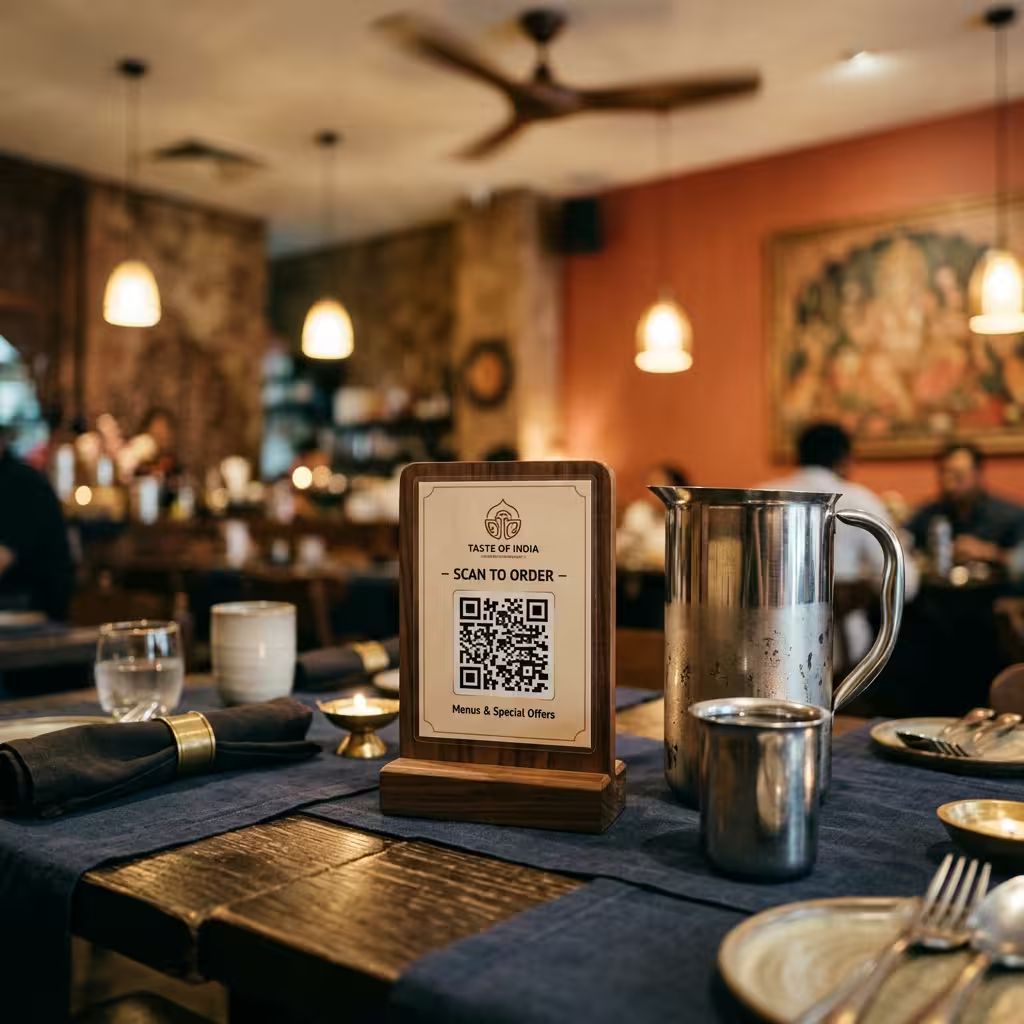
Guests scan, browse, enter the table PIN, and order to the kitchen.
Setting up table ordering07
Token mode gives every order a number, so there are no tables to manage and the counter moves faster.


Good to know
Menu import works from photos, a PDF or your Swiggy link (there is no Zomato import). It brings in items, prices and categories, not orders: Swiggy and Zomato orders are punched in with their order ID.
Everything else you get