
01
No tables needed.
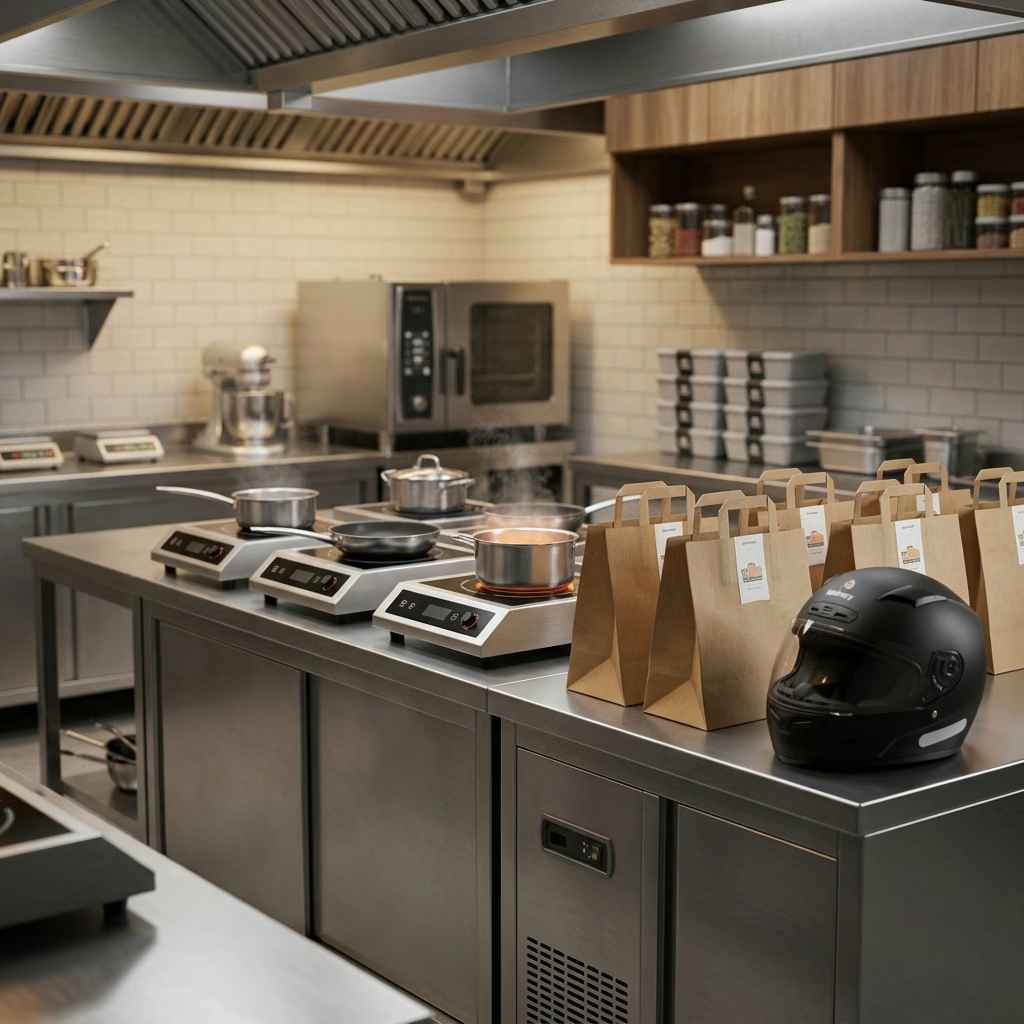
Turn on QSR mode. Every order gets a token, every token hits the kitchen screen.
Running the kitchen screenToken billing, a live kitchen screen, delivery menus, and food cost per dish. ₹1 lakh of sales free every month, then ₹20 per lakh.
01
Turn on QSR mode. Every order gets a token, every token hits the kitchen screen.
Running the kitchen screen
02
Upload menu photos or a PDF, or import from your Swiggy link, and set delivery prices per channel. You check every item before it goes live.

03
Recipes deduct stock on every sale. Food cost vs sales, every month, before the CA asks.
Adding your first recipe
Good to know
Swiggy and Zomato orders still arrive on their apps; Dhaba.ai doesn’t pull them in. Punching one takes the platform and its order ID, with no customer details, and the same order can’t be entered twice.
Yes. Set up each brand as an outlet under one login — separate menus, separate reports, same kitchen screen if you want it.
No. Tokens and tickets live on the kitchen screen. Add a thermal printer later with our free printer app if you want paper.